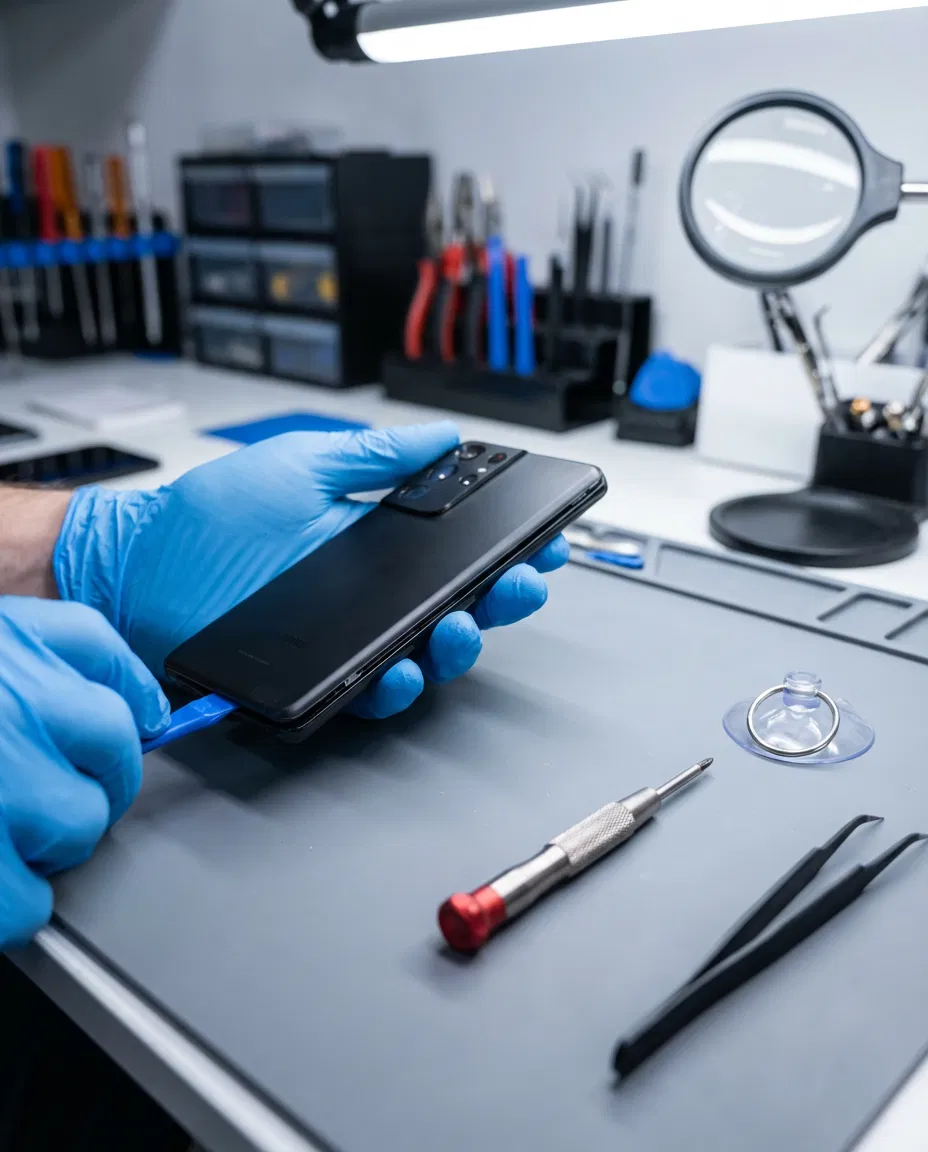

Understanding why a smartphone refuses to turn on
A silent smartphone can cause considerable anxiety, particularly when it is out of warranty and has cost a substantial amount of money. Identifying whether the device is genuinely non functional or simply unable to display an image is often the first and most crucial step. Many issues stem from minor faults such as software freezes, charging problems or display failures rather than permanent hardware breakdowns.
Physical checks that reveal visible damage
A quick inspection frequently highlights clear signs of trouble. Cracks on the screen, dents around the frame or subtle impact marks may indicate internal disconnects even when the display still seems usable. A swollen battery should immediately halt any home troubleshooting because it poses safety risks and requires professional handling or proper recycling. Water exposure indicators located near the SIM tray or charging port on many devices can also confirm liquid contact, which typically points toward the need for repair.
Determining whether the device is active but not displaying an image
A phone that appears lifeless might still be functioning internally. Long pressing the power button and listening for vibrations or startup sounds helps reveal whether the device is awake despite a black screen. Attempting to trigger a voice assistant can offer further confirmation. When such signs are present, the fault often lies with the screen or its internal connection, a problem that is generally fixable.
Charging related checks that rule out simple faults
A fully drained battery often mimics a severe failure. Connecting the device to a charger and waiting several minutes allows sufficient time for a depleted battery to recover enough to show activity. Trying a different cable, another power outlet or an alternative charger ensures that external accessories are not responsible for the issue. A blocked charging port filled with dust or debris can also hinder proper contact and may be cleared carefully using a wooden toothpick.
Force restart procedures for unresponsive software
A frozen operating system can cause the display to remain black despite the device being powered on. iPhones using iOS 16 or later require pressing and releasing Volume Up, pressing and releasing Volume Down and then holding the Side button until the Apple logo appears. Older iPhones rely on different combinations such as Volume Down with Sleep Wake on iPhone 7 or Home with Sleep Wake on iPhone 6 and iPhone SE 1st generation. Android smartphones vary by manufacturer with Samsung commonly using Power plus Volume Down for more than 7 seconds, Pixel using a long press of Power for about 30 seconds, Motorola relying on a 10 to 20 second press of Power and OnePlus using Power plus Volume Up for roughly 10 seconds. Devices with removable batteries allow for a simple removal and reinsertion to force a restart.
Factory reset as a last resort for persistent software failures
Severe software corruption may require a factory reset to restore normal function. iPhones need to be connected to a computer and restored through Finder or iTunes if they are recognized, while unrecognized devices often enter Recovery Mode through a hard reset sequence. Android phones depend on their respective Recovery Mode menus, where users typically select Wipe Data or Factory Reset using the volume keys and confirm the choice with the power button. Model specific instructions may apply when standard combinations fail.
Firmware re flash for advanced users
A firmware reinstall can resolve deep software problems but introduces significant risk and complexity. iPhones utilize DFU mode, which requires a precise sequence of key presses while connected to a computer. Android firmware flashing varies widely with Pixel devices often restored using Android Debug Bridge tools on a computer and other manufacturers offering their own specialized utilities. Professional assistance is recommended for users uncomfortable with these steps.
Repair expectations and cost considerations
Professional repair becomes necessary when hardware faults are confirmed. Apple typically charges between 150 and 400 euros for display replacements depending on the model, with devices like iPhone SE on the lower end and models such as iPhone 17 Pro Max at the higher end. Android repair pricing varies across manufacturers although major brands like Samsung, Google, Motorola and OnePlus provide official repair options. Basic diagnostic checks are often enough to determine whether a simple charging issue, a software freeze or a damaged display is responsible for the malfunction.